AI Clothes Remover
Use AI Clothes Remover to edit one photo into a covered preview. Upload, review, and download with clear costs and private storage.
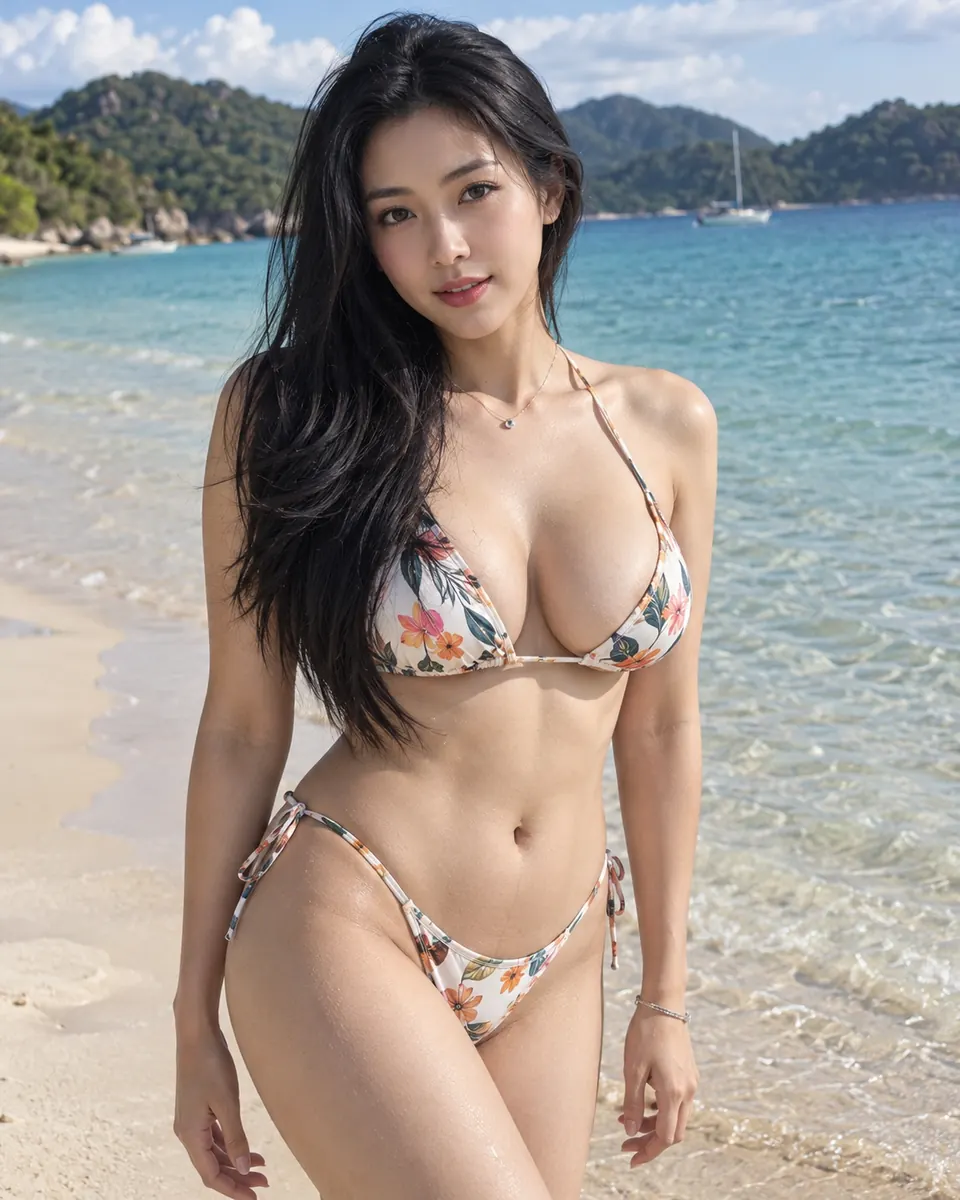
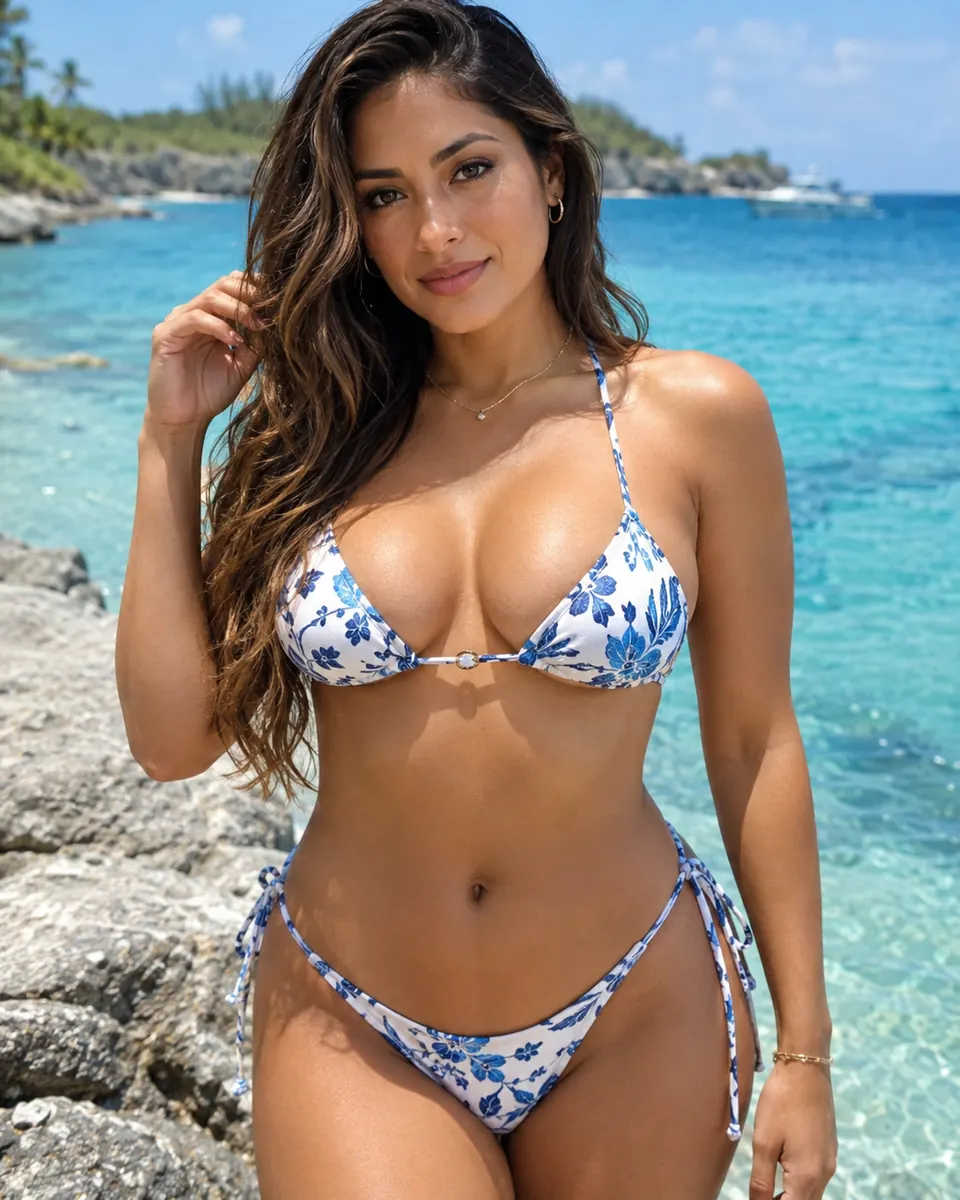
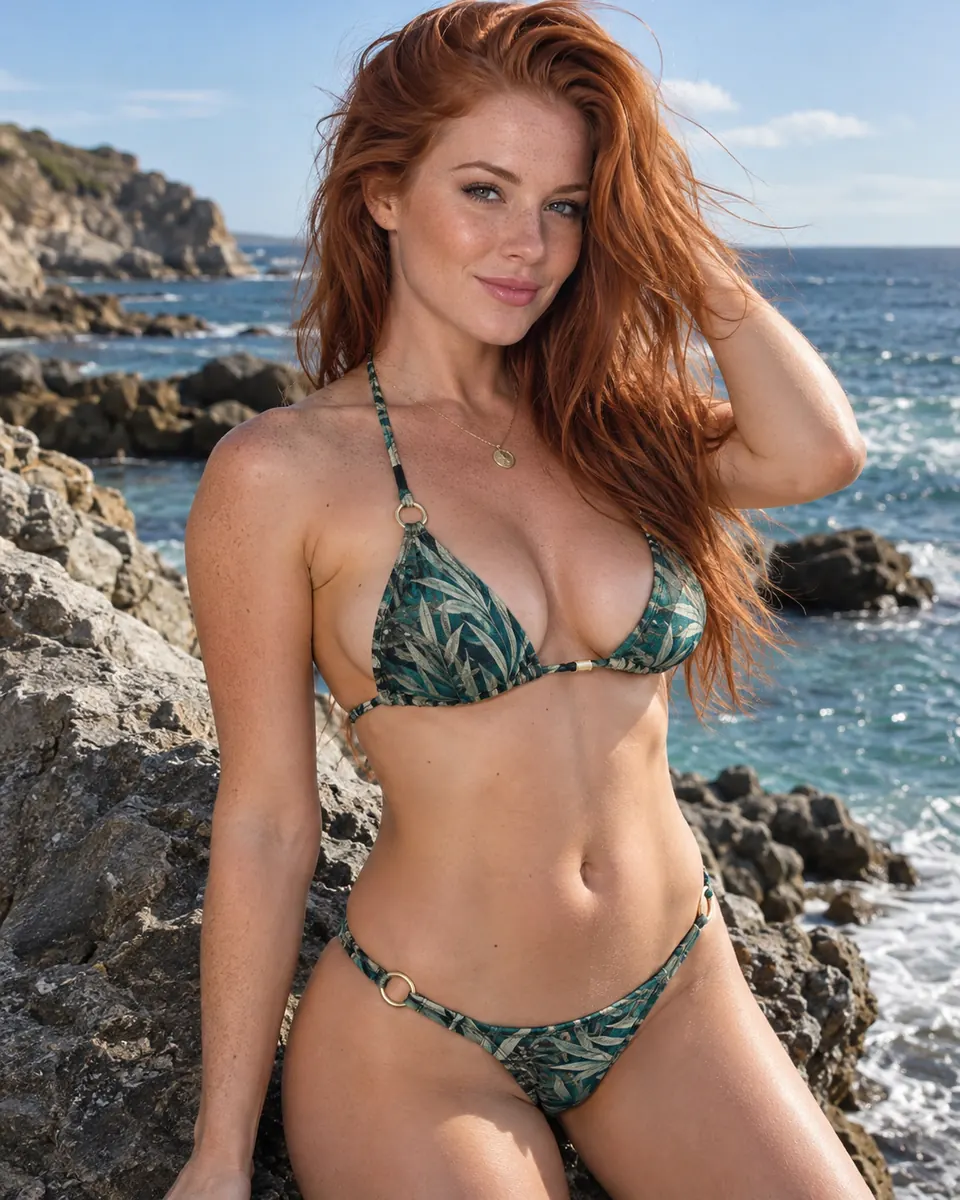
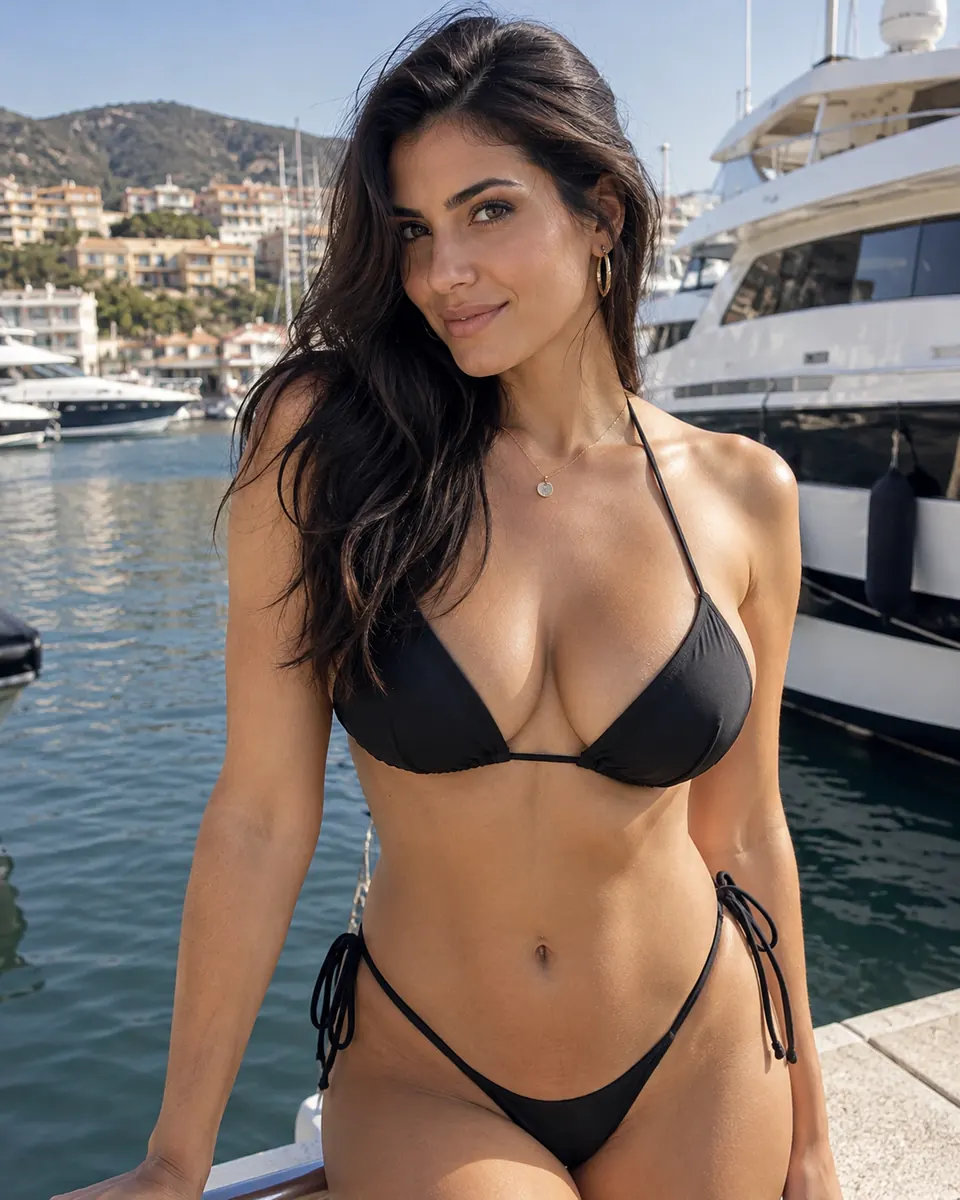
Photo editor
One photo. One clear preview.
Upload one photo
JPEG, PNG, or WebP up to 10MB and 4MP. One adult subject works best.
How many results?
Output quality
Estimated cost
Free if available
Covered results only. Your private media is handled through the signed-in result library and shown with its retention window.
Choose an image or try the example first; sign in when you are ready to submit it.
What is an AI Clothes Remover?
Simple by design
A practical workflow keeps the source, cost, status, and retention information in one place. Start with a photo you own or have permission to edit, then review every returned preview before you save or download it.
AI Clothes Remover is an online photo editor for changing the visible outfit while keeping the person covered. Choose one personal photo, review the upload, generate a preview, and compare it with the original before downloading. You can try a sample photo before signing in, so you can check the controls and see the editing workflow before submitting your own photo.
This is a free ai clothes remover online option for one 1K result each day after you sign in. A free request is limited to one image and one account day. The editor shows the real point balance before submission.
The goal is a useful preview that respects the person in the source image. Upload a clear photo that you own or have permission to edit. Results are an AI interpretation, not a promise of exact pixels, professional styling, identity verification, or a guaranteed composition.
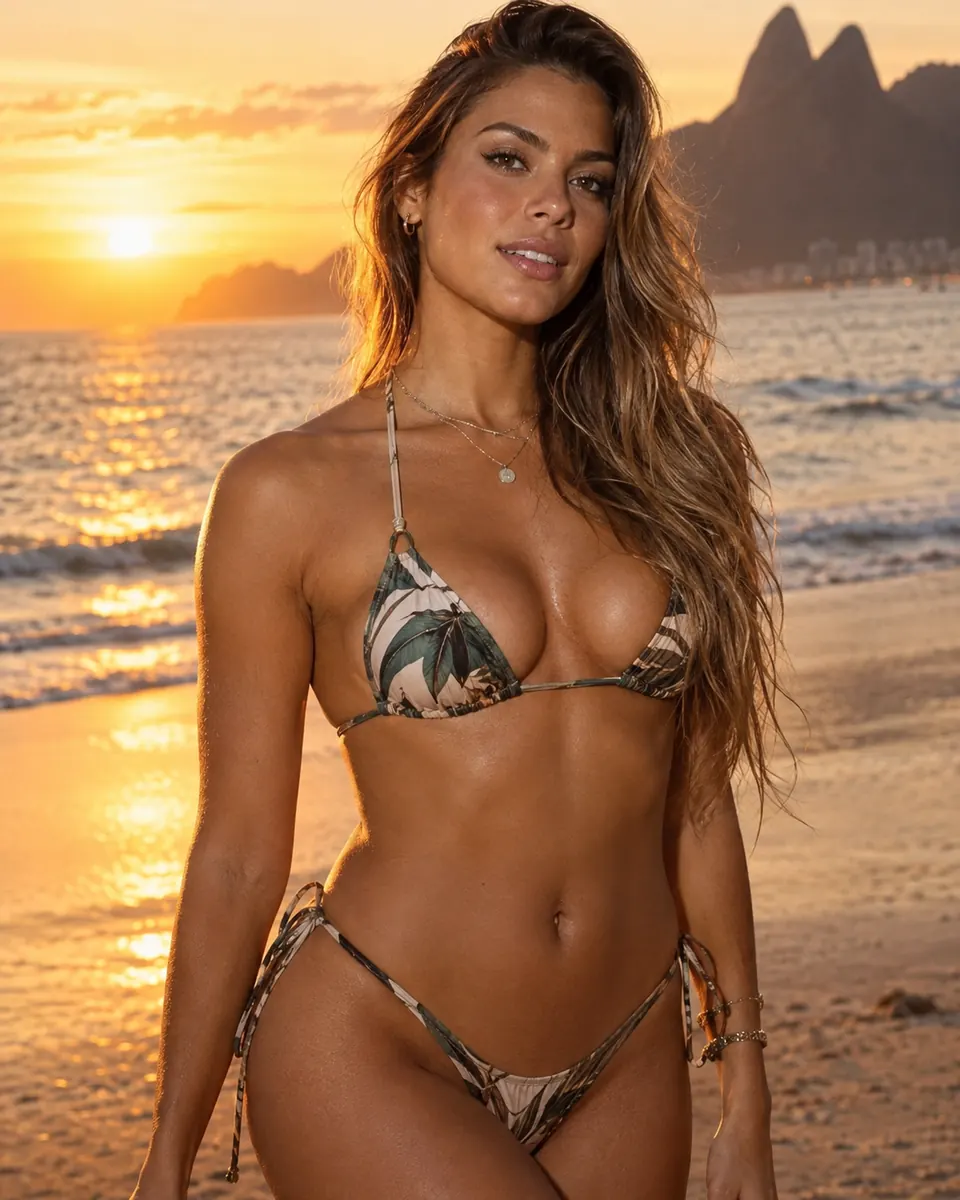
Photo example
Three clear steps
How to use AI Clothes Remover
Keep the photo, quote, task state, and retention details visible as the editor works.
Clothes remover AI, with clear controls
The details that matter
The editor stays focused on a single covered photo workflow. There is no second image slot, open-ended instruction, or promise of uncovered output.
Photo examples
AI Clothes Remover Photo Examples
Simple point pricing
Pay for the previews you need
Every generated image uses 10 points. Subscription points belong to their billing cycle, while point packs do not expire. Production purchase options appear when they are ready.
Monthly access
Subscriptions
Cycle points follow the billing period.
Flexible access
Point packs
Pack points do not expire.
Why people use it
Clear before you commit
Every delivered image uses 10 points. The editor shows the exact count before submission and only accepted results consume paid points.
Point quote
The cost is visible
The following examples use the actual ten-point-per-image rule. A failed or unavailable result is not treated as a delivered image.
| Request | Quality | Points |
|---|---|---|
| One image | 1K | 10 points |
| One image | 2K | 10 points |
| Six images | 1K | 60 points |
| Six images | 2K | 60 points |
FAQ
Answers before you upload
Clear boundaries, clear results, and practical information about the editor.
No. That phrase describes a search intent we need to clarify. The service edits a person into a covered outfit preview and does not remove clothing to reveal a nude or uncovered body. The same boundary applies to requests described as ai clothes remover nsfw. Upload only images you are allowed to edit and use the tool for lawful, respectful, ordinary photo work.
A private next step
Ready to review one private preview?
Start with one photo in the AI Clothes Remover editor. You will see the free allowance, point quote, task state, and retention information before you commit to a generation.
Try AI Clothes Remover